How to create a snapshot
info
DBLab Engine must be version 4.0 or higher.
GUI
- Go to the Database Lab instance page.
- Choose the Snapshots tab.
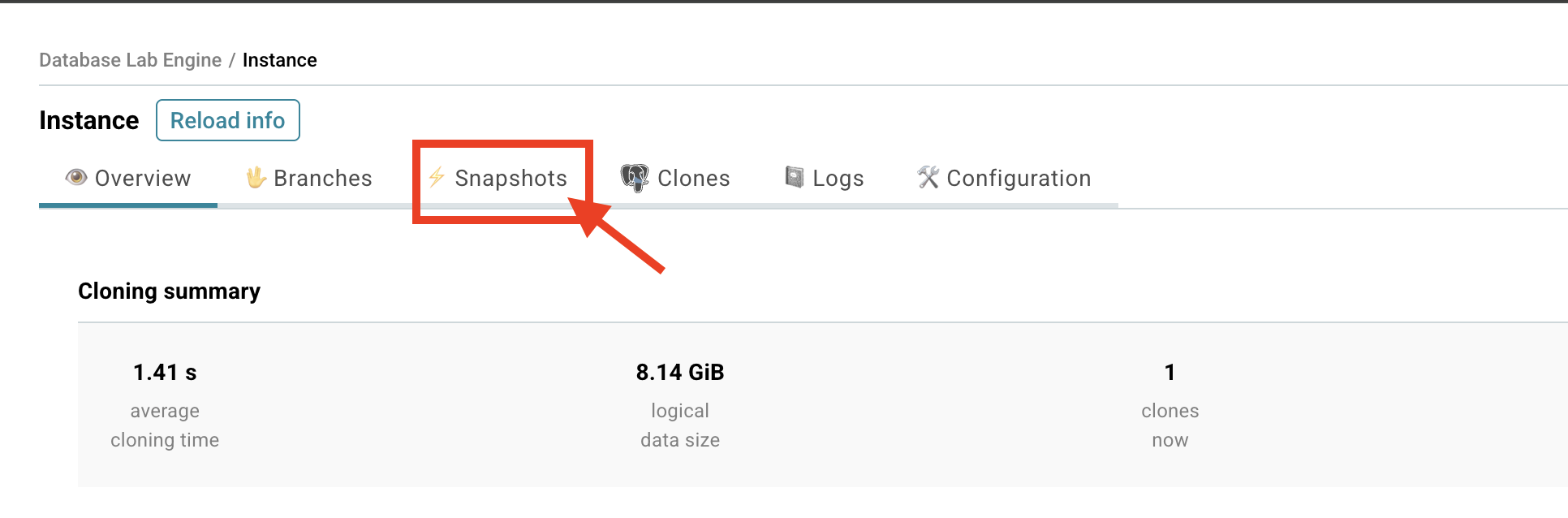
- Click the Create snapshot button.
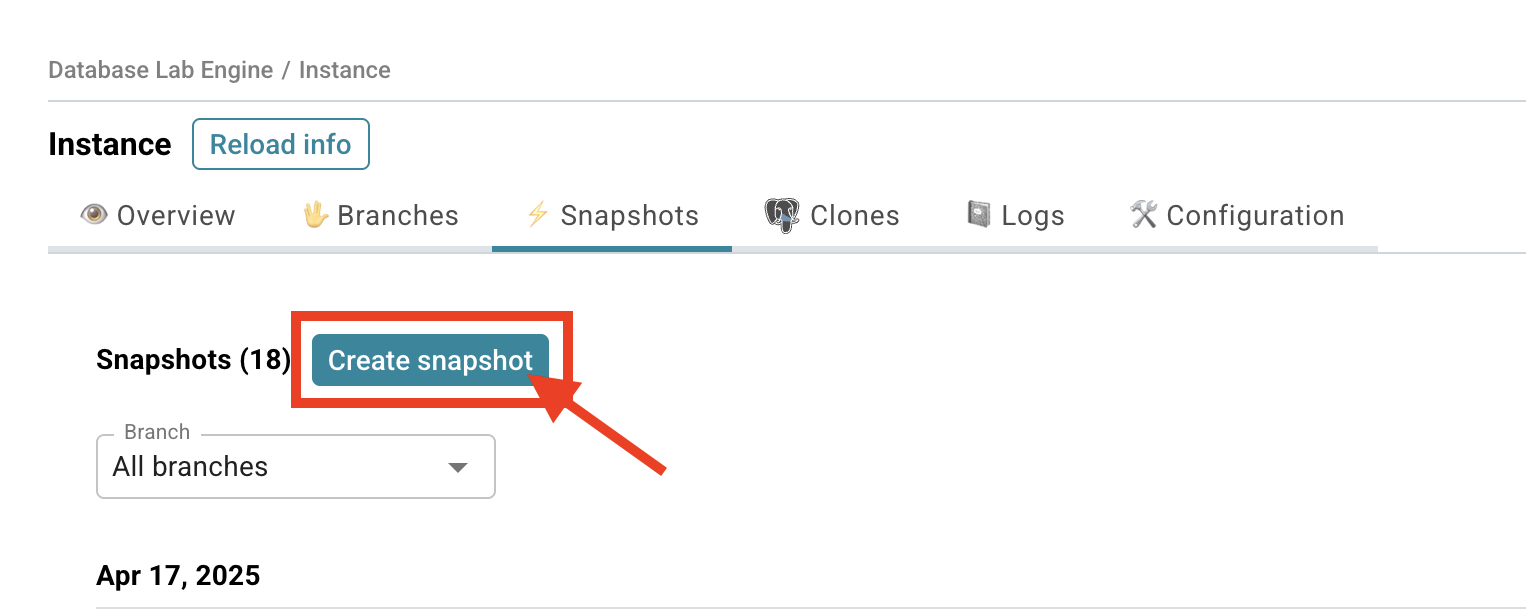
- Choose Clone ID.
- Fill in the Message field.
- Click the Create snapshot button.
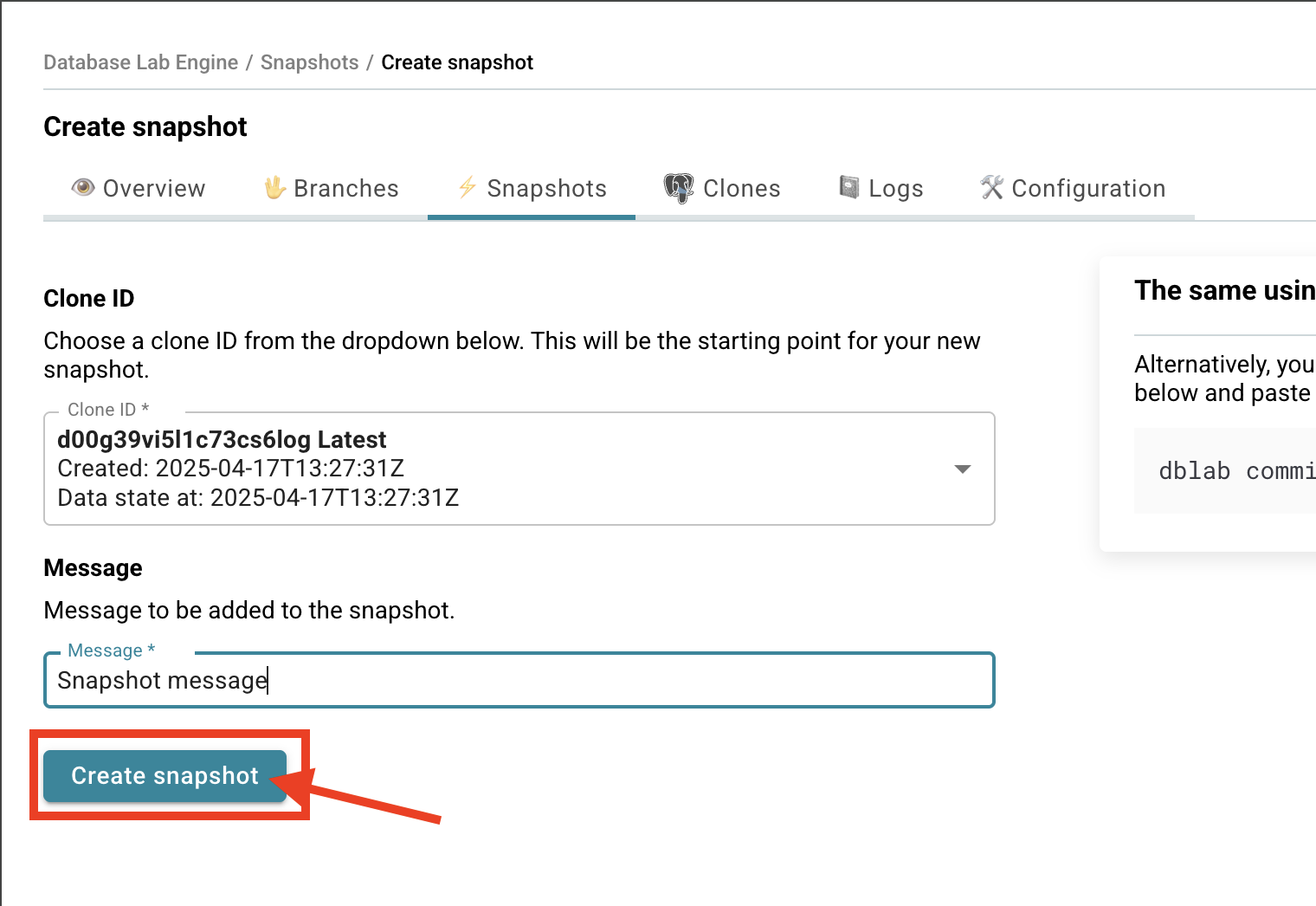
- You will be redirected to the Database Lab snapshot page.

CLI
Before you run any commands, install Database Lab CLI and initialize configuration. For more information, see Install and initialize Database Lab CLI.
Reference
- Command
dblab snapshot - Command
dblab commit
Create a snapshot from a clone
Create a snapshot from an existing clone using the dblab commit command:
$ dblab commit --clone-id CLONE_ID --message "Snapshot message"
Create a snapshot from the current pool state
You can also create a snapshot directly from the current state of a pool (without an existing clone):
$ dblab snapshot create
To specify a particular pool:
$ dblab snapshot create --pool POOL_NAME
Command dblab snapshot list shows all snapshots, including the one just created:
$ dblab snapshot list
[
    {
        "id": "dblab_pool/dataset_1/branch/main/test-clone/r0@20250418112725",
        "createdAt": "2025-04-18T11:27:25Z",
        "dataStateAt": "2025-04-18T11:27:25Z",
        "pool": "dblab_pool/dataset_1",
        "numClones": 1,
        "clones": [
            "test-clone"
        ],
        "branch": "main",
        "message": "Snapshot message",
        "physicalSize": "0 B",
        "logicalSize": "2.7 GiB"
    },
    ...
]
Related
- Guide: Delete a snapshot