How to get row counts for arbitrary SELECTs
A useful side effect of running an EXPLAIN plan with actual execution in Joe bot is that you can get exact row counts for any SELECT without direct access to the data.
This helps when you develop or troubleshoot a query and need to know how many rows it would return in real life (on production). This works only when your DBLab Engine is set up to work with production-like data.
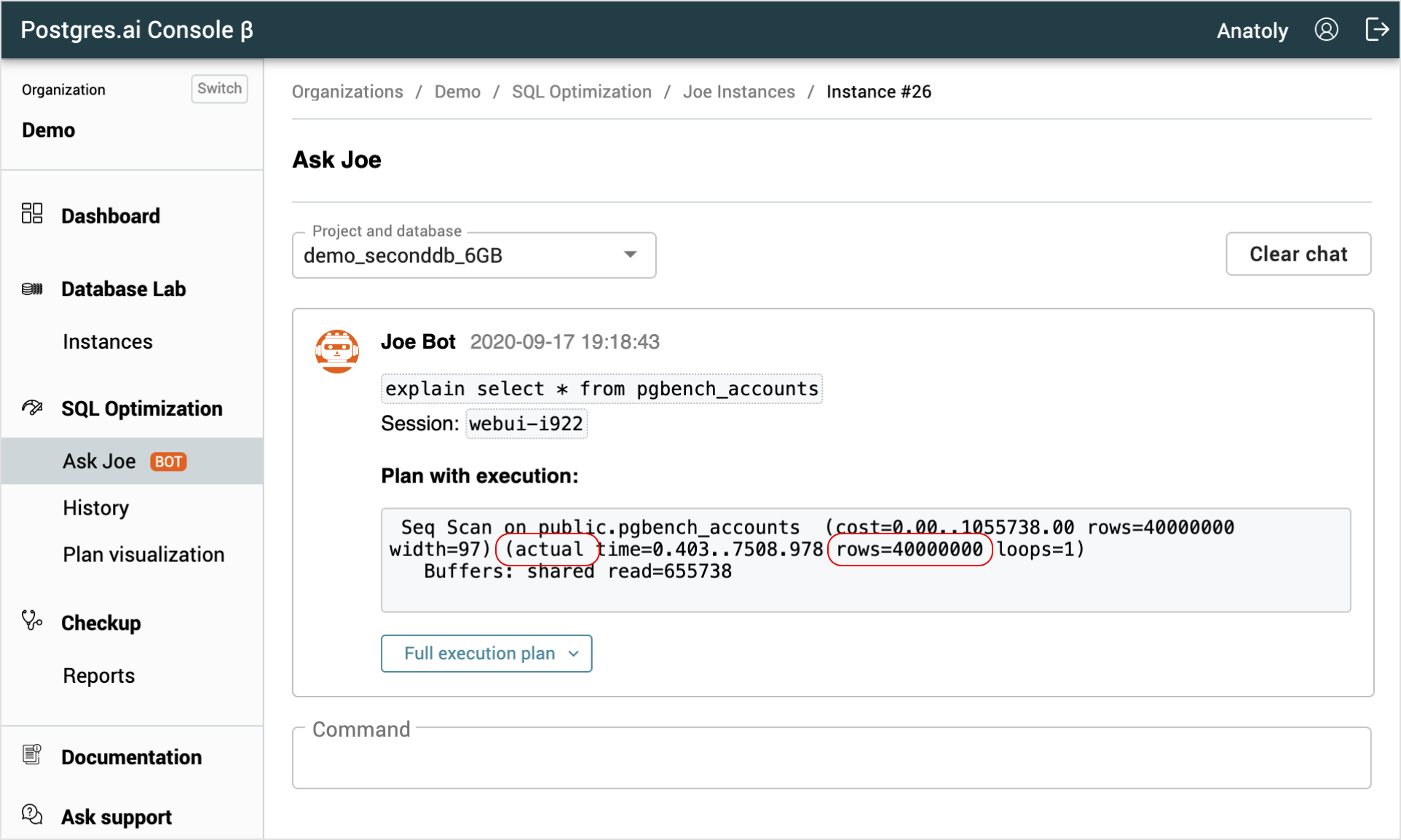
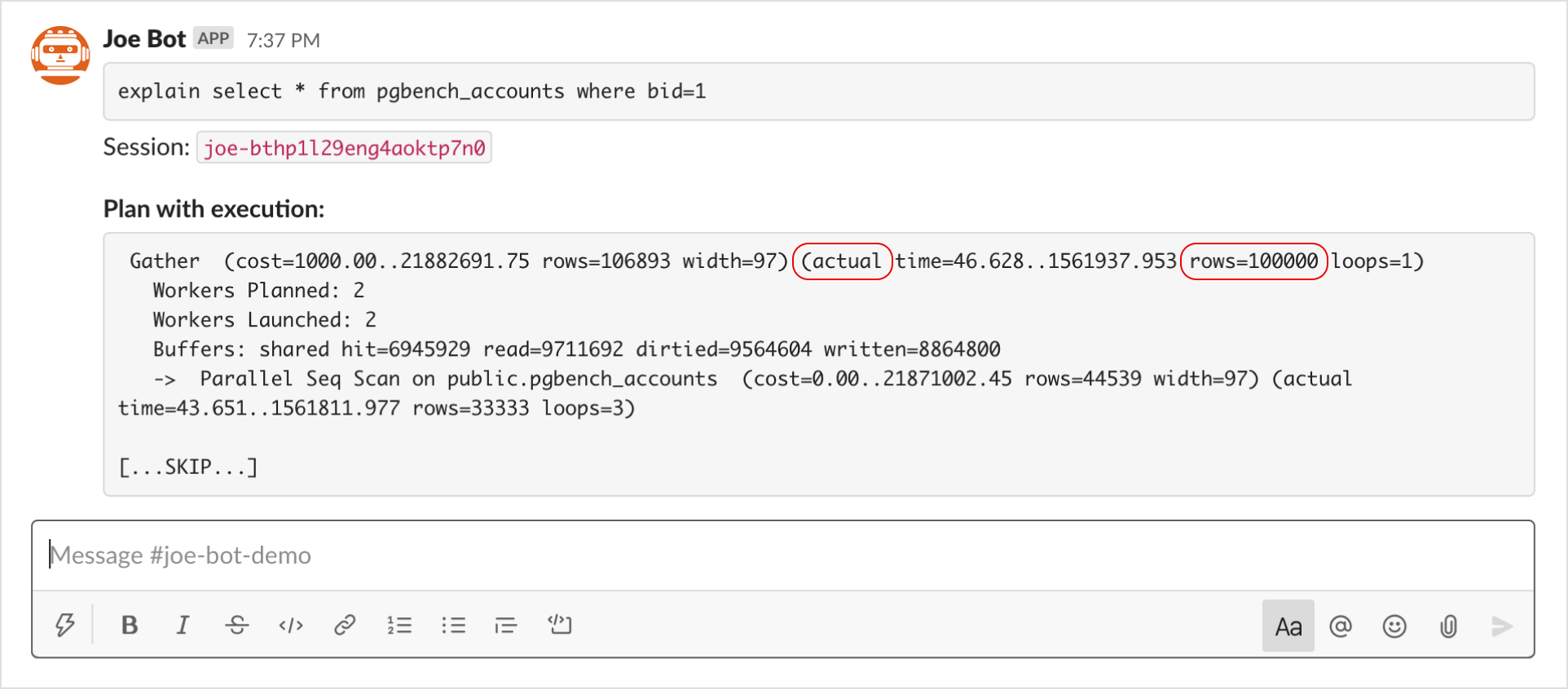
To get exact row counts, use the Actual rows value in the query execution plan for the node that satisfies your condition.
In the following steps, let's assume we need to answer the question: "How many rows in the table table1 have col1 = 1?" So our SELECT would be select * from table1 where col1.
- Run the
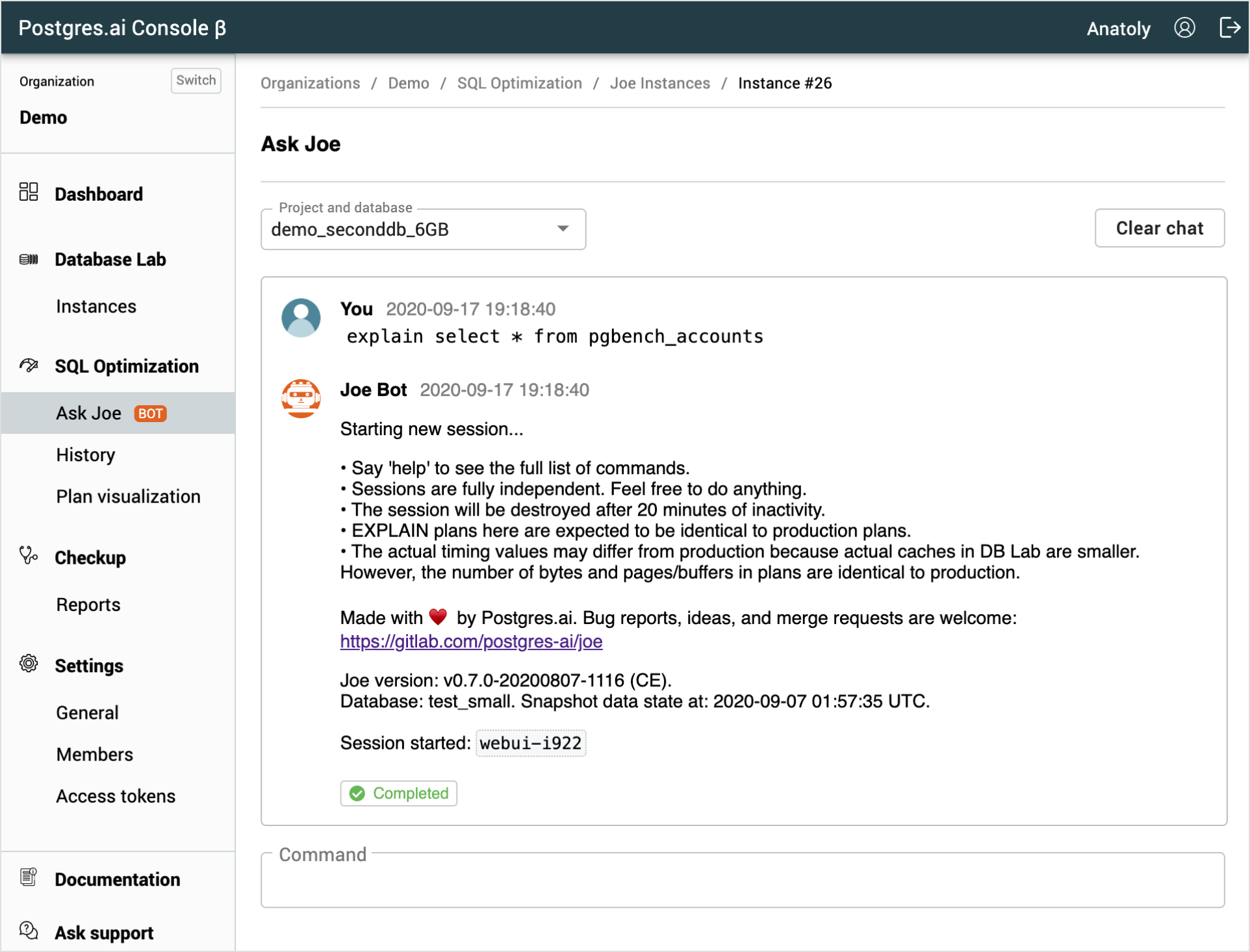
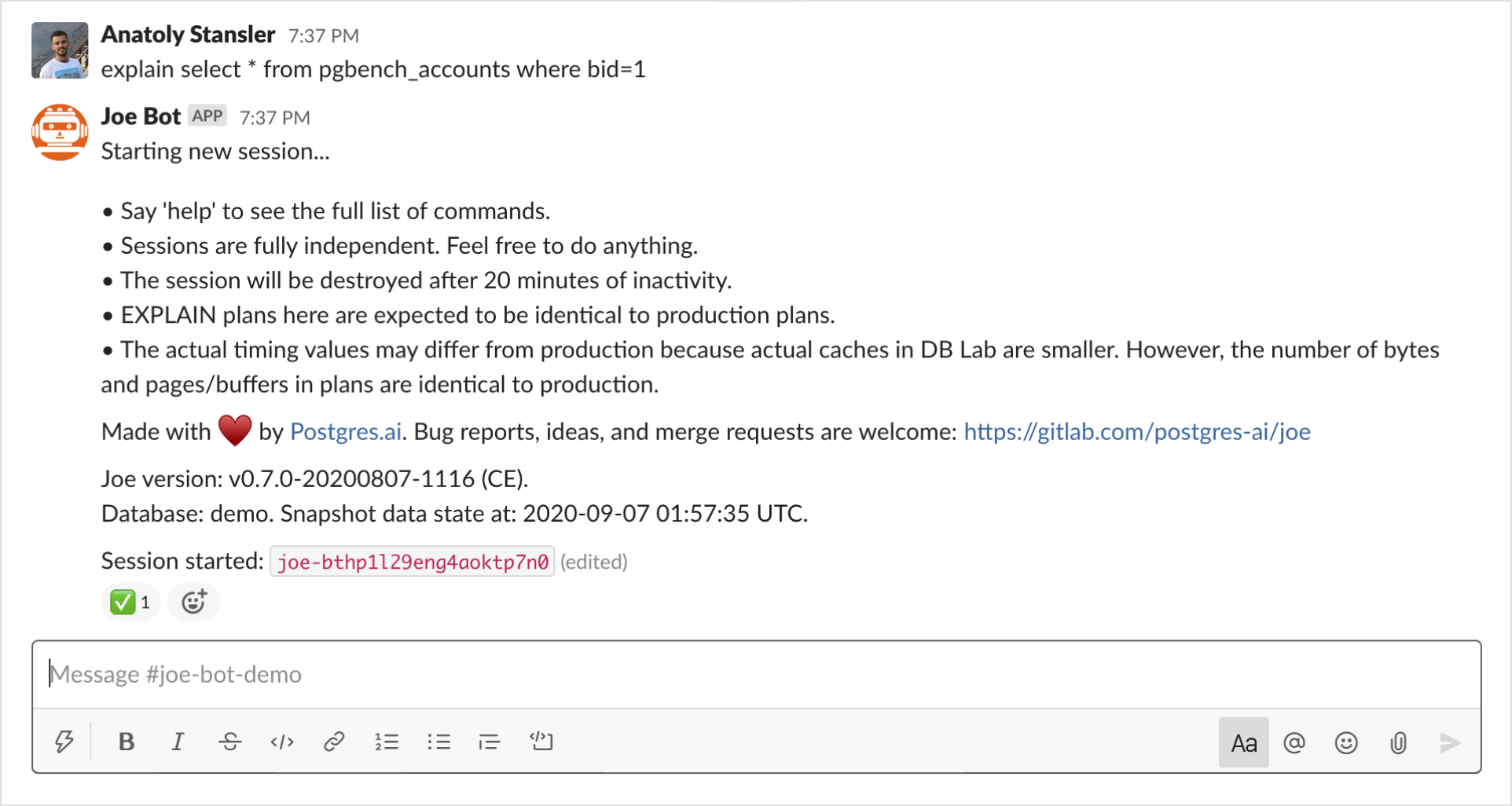
explain select * from table1 where col1 = 1command to get the query execution plan. The session starts automatically, and DBLab Engine creates a new clone within a few seconds.
Notice that using count(*) is not really needed – select * from table1 (or even select from table1) is absolutely enough.
Keep in mind that the clone you are working with might be, depending on the settings and the state of DBLab Engine, somewhat outdated. In the very beginning, Joe reports the timestamp to help you understand the version of data you are working with: Snapshot data state at: 2020-01-02 03:04:05 UTC.
- Web UI
- Slack
- Open the full execution plan. You can read the number of rows from the first line. For example, if you see
(actual ... rows=1000), then 1000 rows match the specified criteria.
This approach is especially useful for complex queries. It relies on one of the key features of DBLab Engine and Joe bot: your session is fully independent, so your work does not affect production performance or your colleagues' work, even if the query is suboptimal and runs for many hours.
- Web UI
- Slack